
Follow the steps below to get connected to an additional organization.
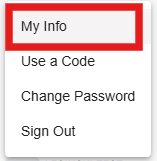
1. Click on your name at the bottom of the lefthand menu and then click on My Info - this will take you to your profile page in DragonFly
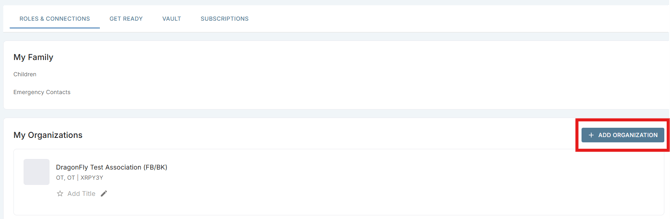
2. Click on the blue + Add Organization button near the middle-right of your profile page
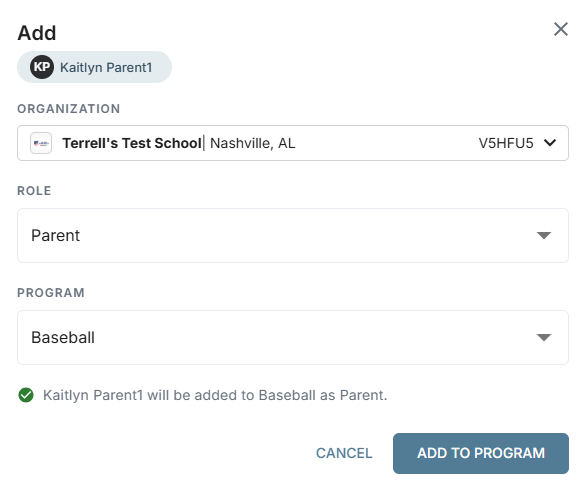
3. Follow the steps there to choose your role, state, and new organization
Note: Most organizations require a staff member to review and approve the request after you connect. If you have any questions about the approval process, please reach out to your organization directly.