
After signing up for your account on DragonFly and connecting to your school, the next step is to find and complete your eligibility requirements. Learn more below.
Step 1
Log into your DragonFly MAX account.
Step 2
On the 'Today' page, you will find a meter showing your % of completion for eligibility.
-
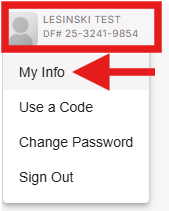
Click on your name at the bottom of the lefthand info and then click on 'My Info'
Step 3
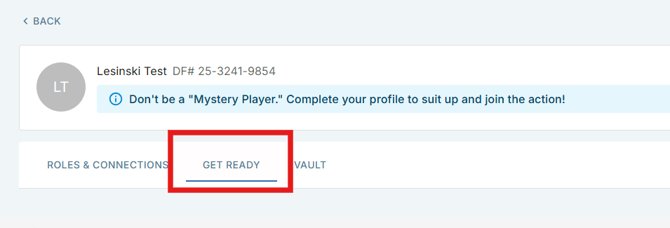
Click on 'Get Ready' in the tabs at the top of the screen. This will open the list of requirements you will need to complete to be eligible for participation.
Click on the button to the right of each item to complete the requirement.

Having trouble uploading a form for a requirement? Learn more here.